VECTOR MAESTROS
  • HOME
  • Courses
    • Beginner
    • Workshop
    • Pro Track
    • Discord
  • Coaching
  • About DTM
  • Contact
  • Blog
    • Vector Apps

VECTOR ART SKILLS ARE BUILT ON THE FOUR FOUNDATIONS


​
​All artists are at different levels and have different goals, Vector Maestros sessions support the artist in the areas of art, design and the art biz. Each session is designed to focus only on what the artist wishes to learn at the time of the session.
​
The list below provide insight into the many areas we cover in our sessions.
Picture

TRAINING FOUNDATIONS

Picture
Vector training takes place across different sketching and drawing sessions. Each session is focused on discovering a particular talent and then developing that skill to the next level.
​
Hand control and lots of practice to build the natural hand movement of art.
Picture
Sketch to Vector Process
Start with a sketch, an idea, a rough drawing and bring it into Adobe Illustrator by scanning, taking a picture with mobile phone or start with a digital sketch. The process is always the same. Start with a rough idea of what we want and then follow the steps to get into Adobe Illustrator. 

Adobe Illustrator Sessions
Adobe Illustrator is our go-to app, on iPad or desktop, as the tools have matured and made digital art a simple process. Anchor points and bezier lines can get tedious, but that is the joy of vector art! 


At this point we venture into other vector apps available on android, iOS, MacOs, Windows and Mobile! We must become familiar with the vector apps in different platforms.

Adobe Fresco + Vector Brushes
When you want to focus on drawing vectors instead of anchor points and the pen tool, then it is time to break out the magic of Adobe Fresco and the vector brushes. The workflow is made significantly smoother with the help of the Creative Cloud Docs. 


Sketch Lab Sessions
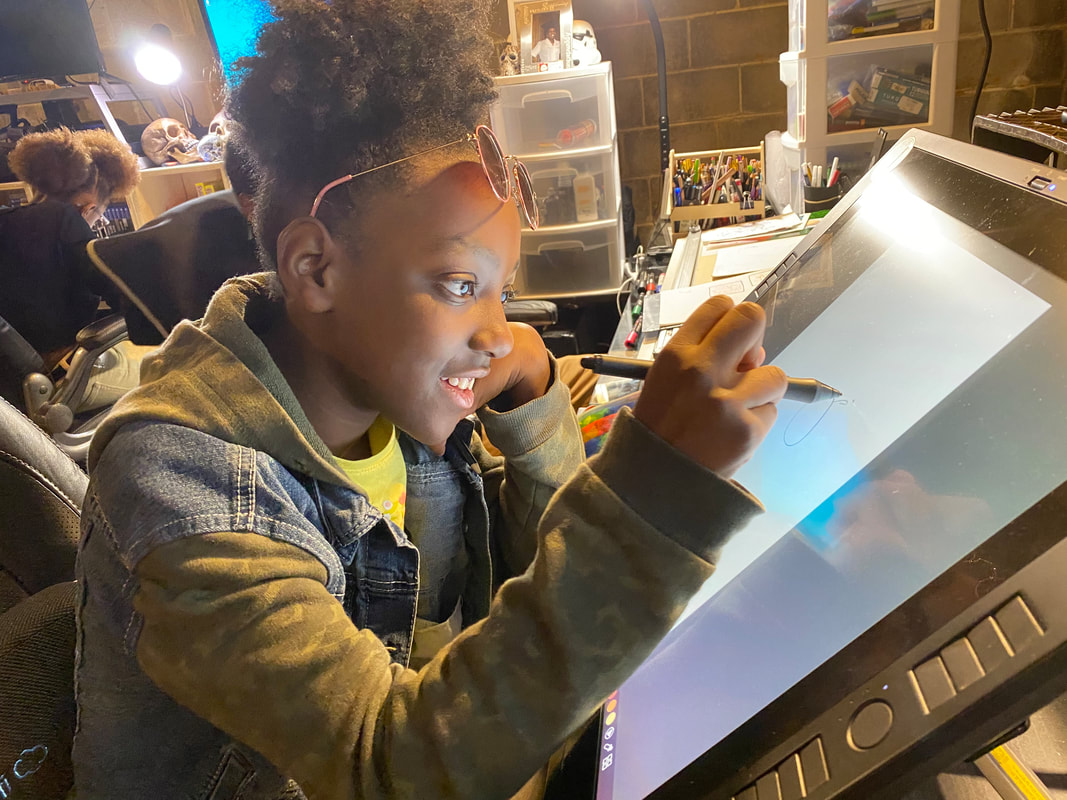
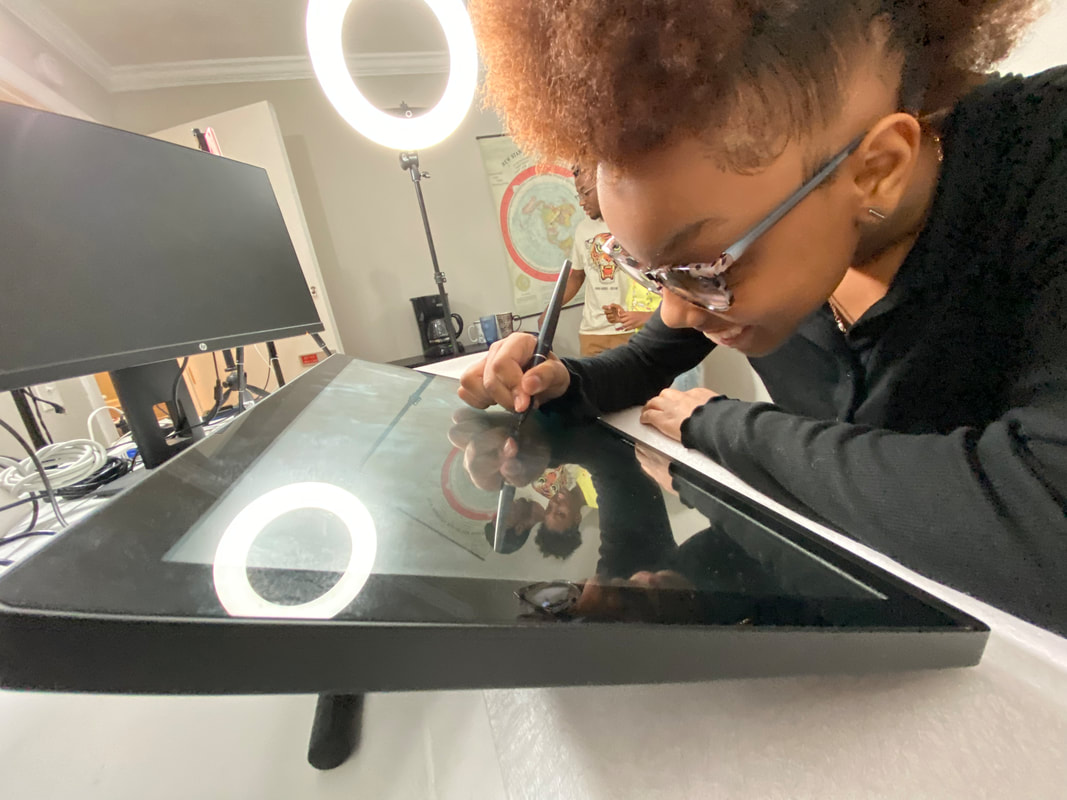
Lots of sketching to develop hand control that produces the art strokes to build your sketch, and hand control that allows you to be precise with your vector paths. Natural hand movements to create art is constantly practiced with a mouse, a stylus and drawing pen. 


One on One Sessions
There will be opportunities for group sessions, meetups and art skill development by working around others. One of the best ways to grow is by immersing yourself in the creative energy of a group of artists.
​

Gesture Drawing Sessions
Practice practice practice. Homework is filled with practice so we can move on to the next step 
​

FOCUS FOUNDATIONS

This is where we focus our energy in mastering the art styles appropriate for where you want your art to go. We apply the basics that we have learned and we step it up and create what we want. 

​
​Character Art Design 
Fundamentals of anatomy, character design and concept art are some of the basics in this section. We step up the training to apply it into the art we want to see. 

Art for Animation

We work on animation fundamental techniques following the workflows from professional animators through easy to follow lessons on anatomy and movement. 

Children's Books
We study the fundamentals of children's books, starting from rough thumbnails to page composition and storytelling. We cover the full spectrum of children's book art styles.


Comics + ​Graphic Novels
The fundamentals of sequential art and the process of making comics with resources from popular workbooks and textbooks plus lots of hands on drawing. 


Game Art Design and Assets
We cover sprites, character design, visual design and the core of gamification. Gaming research and portfolio building are essential to follow a gaming career. 


Graphic Design + ​Logo Creation
Where art merges with commercial communication with the who, what, when, where and why. Illustration is the form of communication for storytelling, advertising and marketing. 
Picture
The Artist's vision is crucial at this stage as we focus our sessions around the skills necessary for animation, comics and graphic design.

Picture

TECHNIQUE FOUNDATIONS

Picture
Vector Illustration tools differ from app to app, but the fundamentals of paths, anchor points and Bezier curves remain true in any app and operating system from Mac to PC and Android. 
​
Master the techniques and watch your skills grow!

Picture
Master the Pen Tool
Every vector path starts with an anchor point and the easiest tool to master is the Pen Tool, but it is also the most difficult tool to figure out. We have an easy to remember process for creating art with the main vector tools. 

Create with the Blob Brush
Drawing organic looking art while taking advantage of all the goodies that vector has to offer is what makes the Blog Brush so useful especially when you add a tablet or touch device to activate the pressure sensitivity. 
​
Maximize Layers
As a legend of vector art once said: Layers are free, This is where we take vector back to the basics of stacking paths, stacking shapes and stepping back to see the big picture.

Creating Canvas Sizes
Many projects require art in different sizes for different purposes, from print to web, banners, car wraps, flyers and merchandise are some of the basics that require specific canvas resizing. 

Blend Modes and Gradients
Welcome to the next level, colors "pop" and play together when blend modes are chosen and gradients are adjusted. We put into effect linear gradient, radial gradient and the big boss of them all, the freeform gradient. 

Import and Export
Each app has different solutions on how to export a drawing and some apps do not have some file types available so developing a workflow that fits your project and art needs is important. 

Adobe Illustrator and Fresco
These are the two main go to apps that handle Vector Art the best and with Illustrator launching way back in 1987, it is important to understand the industry leading software. 

Affinity Designer
The industry is constantly on the move and there are some amazing drawing and vector apps now available on iPad and Desktop. Affinity Designer, Clip Studio Paint and many others are worth exploring.

Android/PC/Mac Vector Apps
We will us any device with any OS and will explore any app with the tools to draw vectors. Check out a list we have put together with the diverse group of vector apps: HERE


THE CREATIVE BIZ FOUNDATIONS


Freelance Fundamentals
The Marketplace, Industry Standards and where the artist goals fit in the career path are explored and developed. it is important to understand our own personal goals and find our place where our art will succeed.

​Illustrator Portfolio
As we develop the skills required to enter the art industry, proof of skills and documenting of our work is paramount to connect with higher impact projects. Document your work, use cases and lots of screenshots go here. 

Branding and Social Media
Promotion and Marketing of the portfolio is essential in today's marketplace. Building engagement in social media is how the industry knows that you exist and will discover that you are needed in their projects. 

​Basics of a Contract
Who, what, when, where and why, plus how much are some of the basics of a contract. Sometimes a contract can be as simple as an email exchange and sometimes very detailed elements are necessary to protect the project success. 

Production Artist
There is a place for every artist with every art skill and we help research the artist position that fits your art. The pipeline for a production artist ranges from sketching and concept to full render and even animation. 

Character Designer
What you like to draw will help determine your position in the industry and character art comes in many forms and art styles, from characters that look like animals, bugs and monsters to actual people, a character designer finds what they are strong with and build a career.

Project Illustrator
In every creative project from marketing of major brands, to merchandising to animation and gaming, there is an illustrator involved in creating the assets, the backgrounds, the characters and elements. 

Negotiation Skills
You don't get paid what you are worth, you are paid what you negotiate. It takes time and practice to understand your leverage and position as a skilled illustrator. We build confident illustrators ready to tackle any project. 
Picture
An appropriate portfolio for a specific project in instills confidence in the client and benefits the artist.
​
Here is also when we learn the art of negotiation, because artists don't get paid what they deserve, artists get paid what they are able to negotiate.

Picture

VECTOR MAESTROS - BEHANCE SUBSCRIPTIONS

Subscribe for exclusive vector streams and behind the scenes podcast interviews with artists
https://www.behance.net/dacreativegenius/subscription
Picture


​Tune in Tuesday at 10am every week we share tips with two main apps for Vectors on iPad or Desktop
  1. Adobe Fresco: Vector Brushes and lots of layers.
    ​
  2. Adobe Illustrator: Vector Art with Anchor Points, Freeform Gradient and the Pen Tool

  3. Plus we will explore the diverse field of vector apps for Android, Mac, iPad, iPhone and PC.

    ​Here's the list of Vector Apps
Picture
Vector Maestros exists to empower emerging artists with the skills, tools, and confidence to thrive in the world of digital illustration.

Founded by DTM (DaCreativeGenius), our vision is to make professional-level vector
​art education accessible, inclusive, and creatively fulfilling — especially for beginners,
self-taught artists, and underrepresented creators.

Through hands-on courses, live workshops, and 1:1 coaching, we guide artists of all ages from idea to execution, helping them build not just portfolios — but creative identities.

Payments/Deposits
Make Payment

Art and Illustration by DTM of www.DeltaTangoMike.com
Vector Maestros Website ©2025 ALL RIGHTS RESERVED
​Azalea Creative Group, Atlanta, GA 
  • HOME
  • Courses
    • Beginner
    • Workshop
    • Pro Track
    • Discord
  • Coaching
  • About DTM
  • Contact
  • Blog
    • Vector Apps